
Buying connected devices: 5 security questions to ask your supplier
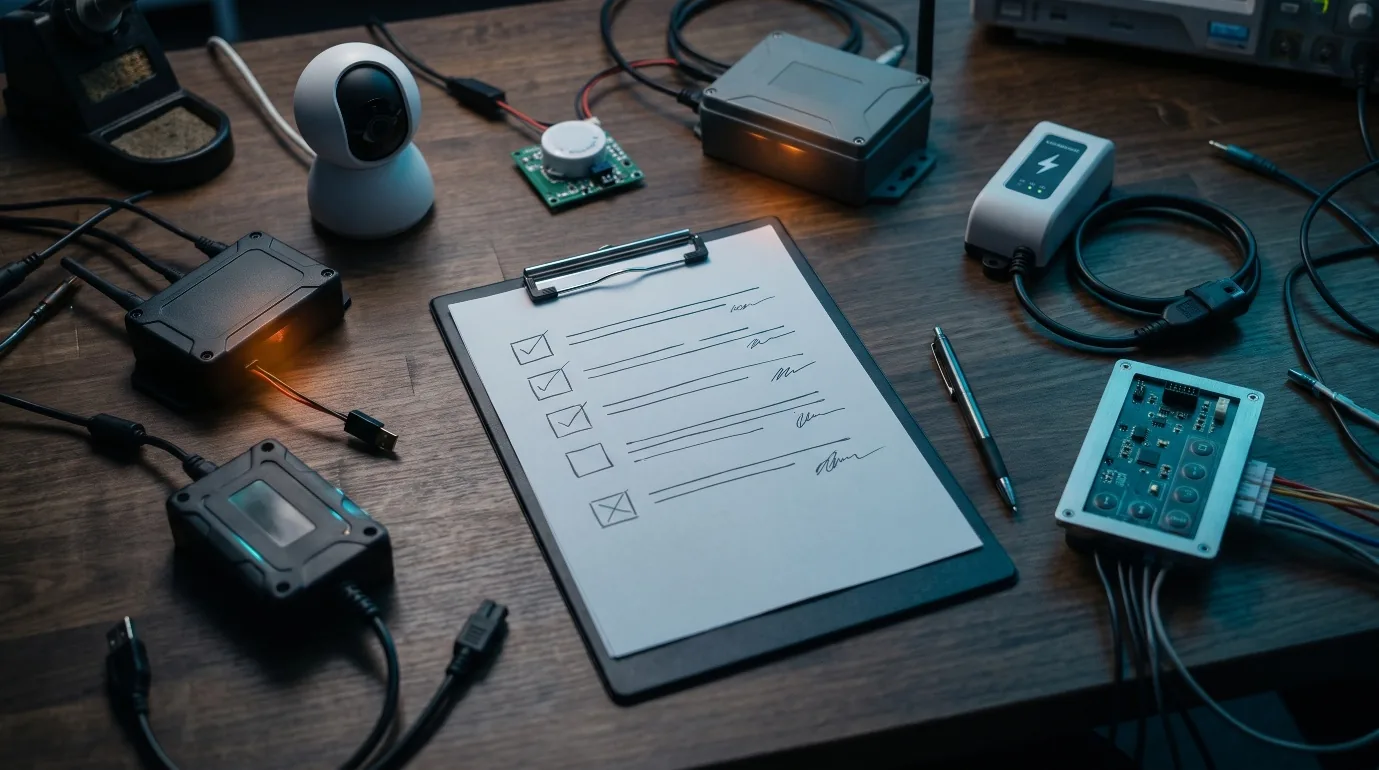
A temperature probe, an elevator, a camera, a GPS tracker, a charging station. This equipment is rarely bought by the IT department. It is chosen by purchasing, facilities, maintenance or a business project manager, then installed and monitored remotely by a service provider.
That is precisely where its security is decided. Not in a lab, but during the call for tenders and the signing of the contract.
The flaw is often decided at purchase
Three well-known incidents, three sectors, the same mechanism.
October 2026, retail. Remotely controlled refrigeration controllers are hijacked in several hundred French supermarkets. Public information points to consoles reachable from the Internet, end-of-life equipment and uninstalled patches. We covered the case in detail in our analysis of the Danfoss attack.
March 2021, video surveillance. A group accesses footage from around 150,000 Verkada cameras installed in companies, hospitals and schools. Nothing was hacked at the customers’ premises. The access came from an administration account at the supplier.
July 2022, vehicle fleets. The US agency CISA publishes an advisory on a widely used MiCODUS GPS tracker: default password, ability to cut off the fuel supply remotely, no patch available at the time of the advisory.
None of these attacks was sophisticated. In each case, the risk was visible before the incident, provided the right questions were asked and the answers understood.
The 5 questions
1. How does the device communicate, and with whom?
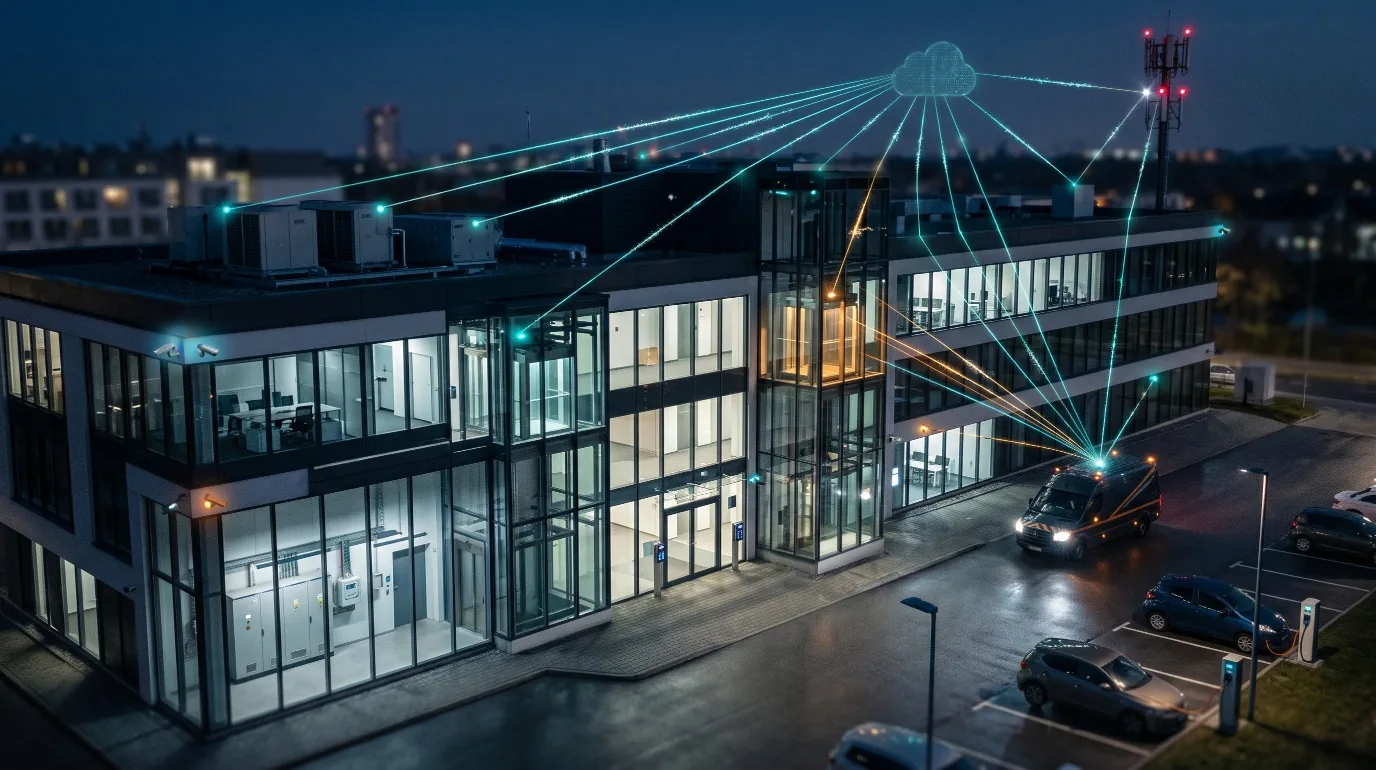
4G SIM card, Wi-Fi, long-range radio, Bluetooth, the manufacturer’s cloud. Every channel is a door. A device can sit on your premises and never go through your network, because it has its own SIM card.
The answer that should raise a red flag: “We don’t know exactly”, or a SIM card with no usage restrictions at all.
2. Is it connected to our network, and how is it isolated?
A technical device plugged into the same network as office IT becomes a shortcut to everything else. Isolating it in a dedicated segment is the most effective and least expensive measure when it is planned from installation.
The answer that should raise a red flag: a connection to the site network “because it was simpler”, with no separation.
3. Who can access it remotely, how, and is it logged?
Remote maintenance is legitimate. It justifies neither a default password, nor an account shared by all the provider’s technicians, nor an administration interface exposed on the Internet. We dedicated an entire training to the default password on an IoT device, so widespread is the problem.
The answer that should raise a red flag: the same credentials on every site, direct access through a public IP address, no record of connections.
4. How is it updated, and until when?
Building equipment stays in place for ten to fifteen years. The question is not only whether updates exist, but who installs them, how often, and on what date the manufacturer will stop providing them. From December 2027, the Cyber Resilience Act will require manufacturers to state the support period of their products. Nothing prevents you from requiring it in your contracts today.
The answer that should raise a red flag: “There are no updates”, or no end-of-support date.
5. What happens in the event of a failure or abnormal behavior, and how is it detected?
A compromised device does not report itself. Its own alarms can no longer be trusted. Any critical function (cooling, access, personal safety) must be monitored by means independent of the equipment that controls it.
The answer that should raise a red flag: no alert, no degraded mode, nobody notified.
The checklist to take away
| # | The question | The answer that should raise a red flag |
|---|---|---|
| 1 | How does it communicate, and with whom? | “We don’t know exactly.” Unrestricted SIM |
| 2 | Is it connected to our network? What isolation? | Same network as office IT |
| 3 | Who accesses it remotely? Is it logged? | Default password, shared account, no logs |
| 4 | How is it updated, until when? | No updates, no end-of-support date |
| 5 | What happens in case of an anomaly? | No independent alert, nobody notified |
A vague answer is already an answer.
What this checklist does not do
Let us be clear about its limits. Five questions replace neither an audit nor a penetration test. They rely on the supplier’s statements, not on findings. They help rule out the weakest offers and know where to ask for evidence. For equipment that controls a critical function, technical verification remains necessary.

And a sixth question, for you
Do the people who buy and receive this equipment have the level needed to understand the answers?
Asking about network isolation is easy. Knowing whether the answer “it’s on a VLAN” is enough, or recognizing that “secure access” actually means a password shared across the whole fleet, takes a foundation of skills. That foundation does not make you a pentester. It keeps you from signing blindly.
This is the purpose of the DVID IoT Security Foundations certification: understand how a device is attacked in order to choose it, integrate it and accept it. It is aimed at technical buyers, project managers and integrators. It represents about 4 days of work and is validated by a multiple-choice exam and a graded security acceptance test carried out on a piece of equipment.
The path is described in our article IoT security certification: the new DVID path.
Further reading
Discover the 7 most common IoT vulnerabilities
Contact us: https://dvid.eu/#contact
Follow our news: https://www.linkedin.com/company/dvid/
Sources
- DVID, Fridges at 50 °C: what the attack on Danfoss controllers really says about connected device security, October 13, 2026
- Bloomberg, March 2021, on the access to Verkada cameras
- CISA, advisory ICSA-22-200-01, July 2022, on MiCODUS MV720 trackers